Treatwell Pay
Flexible, fast, and frictionless, Treatwell Pay makes getting paid for your hard work simple, so you can focus on what matters most – your clients and your business.

Card machine
Professional, reliable card payments – directly connected to Treatwell Connect for a smooth in-salon experience.

Tap to Pay
Accept contactless payments straight from the Treatwell Connect app – on your iPhone or Android phone or tablet.

Online pre-payments
Secure bookings and (revenue) before clients even arrive, with pre-paid appointments that prevent no-shows.

Seamless checkouts, complete control
Manage all checkouts and in-salon payments seamlessly with your POS in Treatwell Connect. Accept multiple payment options, send receipts, and keep your reporting accurate and organised.


Card machines
The fast, familiar way to pay
Trusted & recognised by clients, our card machines work everywhere in your salon, and accept swipe, chip, and contactless payments. Shipped to you for free within 2–5 business days.
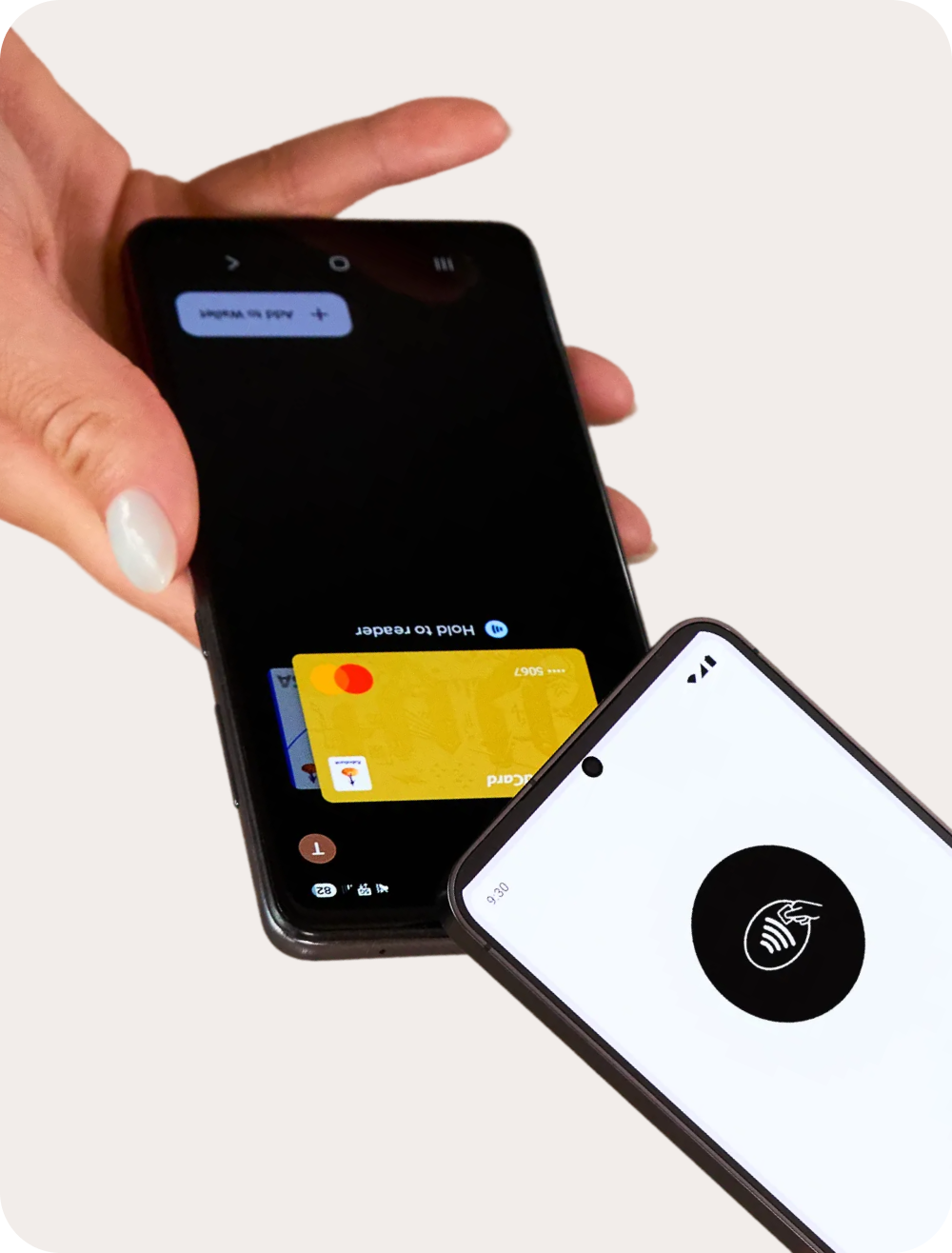
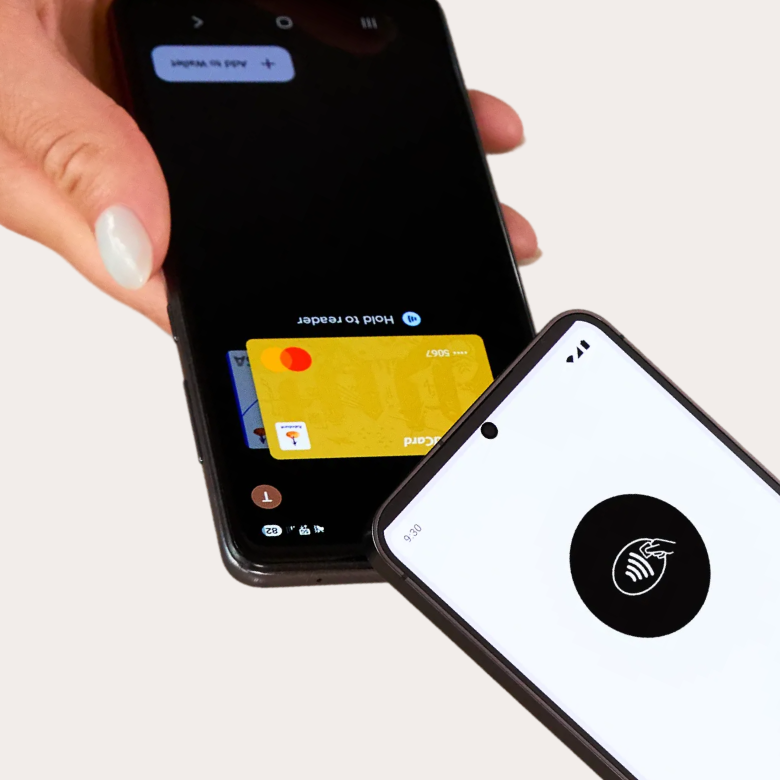
Tap to Pay
Get paid the easy way
Use your phone or tablet – no expensive hardware needed. Take payments wherever and whenever you need, with hygienic contactless transactions. Plus, you can get started right away.

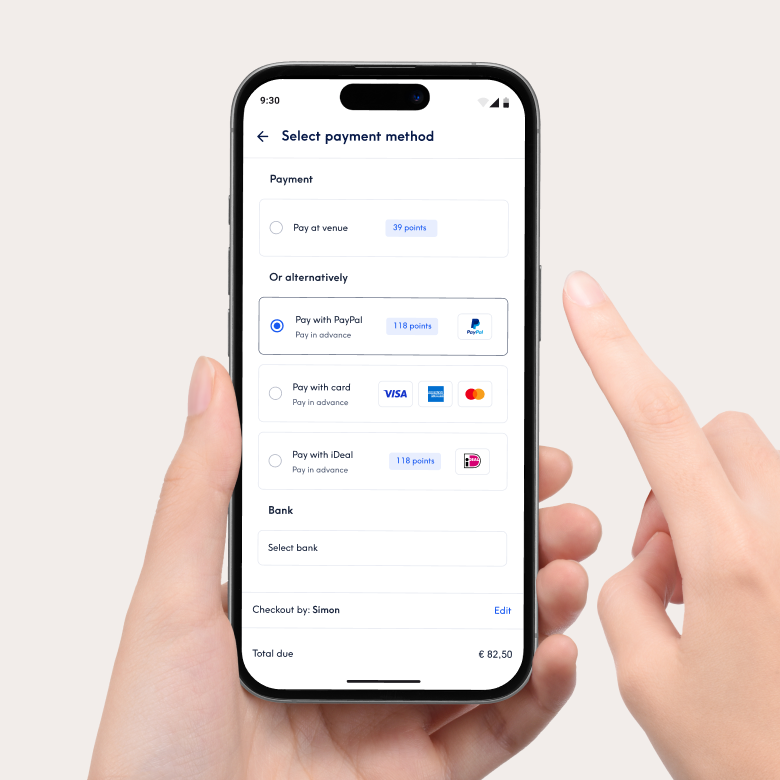
Online pre-payments
Secure bookings, reduce no-shows
Let clients pay ahead to protect your time. More guaranteed revenue, fewer last-minute dropouts, and a smoother, faster in-salon experience.
Flexible payments, fair pricing
Competitive pricing you can count on, without hidden fees.
Card machine
1.1% + 20p*
Per transaction
One-off card machine cost: £199*
Tap to Pay
1.1% + 20p*
Per transaction
Online
2.5%*
Processing fee
*Excl. VAT
Processing high volumes? Let’s build a customised deal around your business.


Secure payments, powered by Stripe
Safe, secure and encrypted. Your clients can checkout with confidence thanks to Stripe, our global payment partner.


Your revenue, paid out daily
Choose the payout schedule that suits your salon – including daily payouts for faster access to your earnings. Keep cash flow steady and reinvest when it counts.











Accept all major payment methods with ease


Reporting made simple
Keep your finances in order with all your reporting in one place.
Track revenue by employee, booking method, payment type or category – VAT included. See every transaction on one page and get two clear monthly invoices. Easy, organised, effortless.


Protect your time
Cancellations happen, but lost revenue doesn’t have to.
Use prepayments, custom cancellation policies, no-show charges, client blocking, and automatic reminders to keep your calendar (and income) secure.
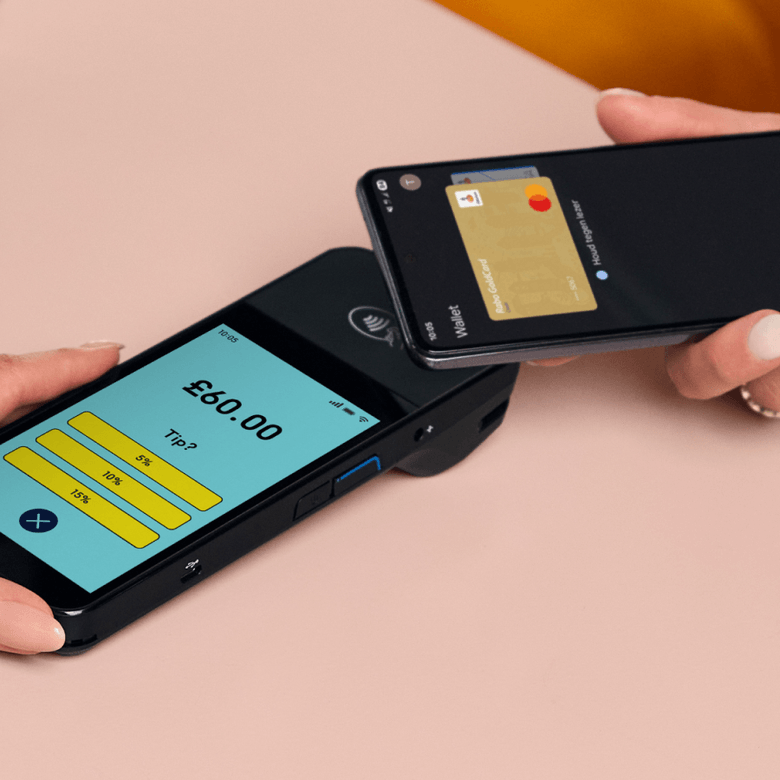
Get tipped in a tap
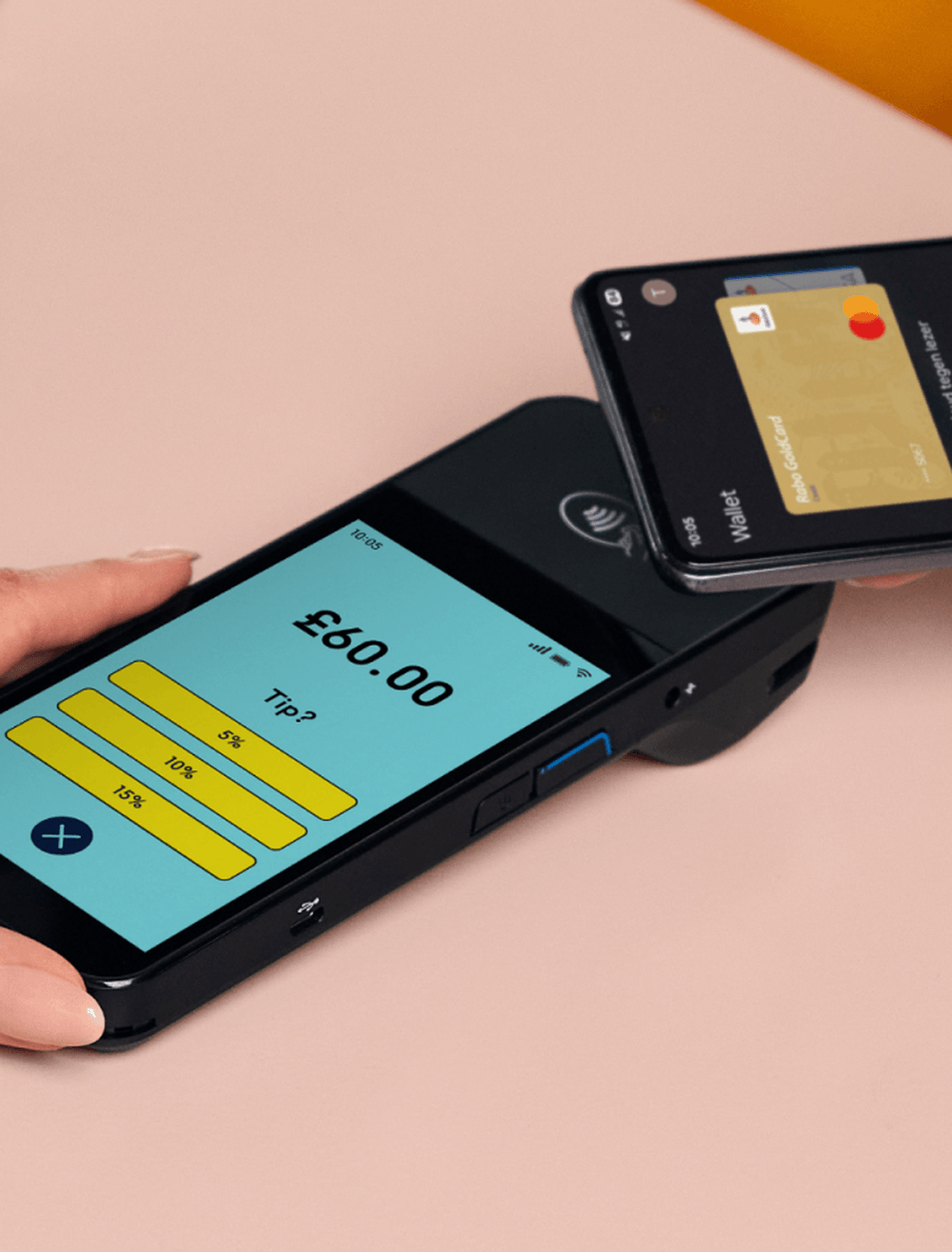
Accept tips directly on your card machine.
Give clients a simple, cash-free way to reward great service. No awkward asks, no extra steps – just a seamless checkout that makes tipping effortless. It’s an easy way to help your team earn more and stay motivated, with tips averaging 10% of the treatment price.
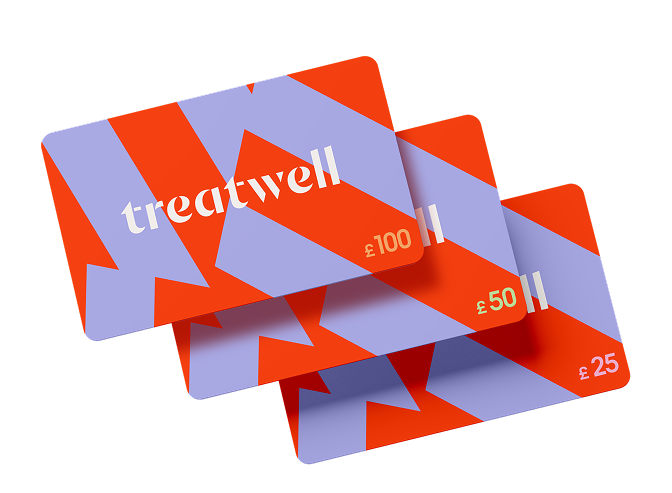
Treatwell gift cards
Drive bookings, delight clients
Got a question?
We’ve got the answer
- iPhone: iPhone XS or newer, iOS 18 or later.
- Android: NFC-enabled devices on Android 9 or higher.
Tablets: Android tablets are supported if they have NFC and a compatible OS. iPads are not supported.
- Update/install the app: Get Treatwell Connect (4.350.0) from the App Store or Google Play.
- Check your device: iPhone XS or newer on iOS 18 or higher.
- Enable location access for Treatwell Connect.
After allowing location, continue by connecting your Apple ID to proceed with Tap to Pay on iPhone.
Start taking payments:
- Open Treatwell Connect.
- Select an appointment and tap Go to payment (Treatwell bookings, direct bookings, walk-ins supported).
- Ask the client to hold their card or device near your phone. Done!
- They have the Treatwell Connect app installed.
- They have the right permissions.
- Their device is compatible.
- Tap to Pay: When your customer taps their contactless card or digital wallet (like Apple Pay or Google Pay), no PIN is needed for most transactions, as long as they’re under the payment limit.
- PIN Payments: If the transaction exceeds the limit or the card requires a PIN, your customer will need to enter it.
- Android-specific: PINs work if the card supports online PIN. If it only supports offline PIN, the transaction may be declined.
To update your payout frequency:
- Desktop: Settings > Finances > Settings > Payout schedule
- App: Menu > Account & Finances > Payout schedule
To add tips:
- Adjust the total amount: Add the tip on top of the treatment price at checkout. For card payments, the extra amount will automatically be processed in reports as ‘Tips.’
- Create a ‘Tip’ product: Add a product named ‘Tip’ for €X with 0% tax. This will show as ‘Tips’ in your product reports.
- Works as a countertop or handheld device
- 5-inch touchscreen
- Wi-Fi connected
- Battery lasts up to 12 hours
- Dimensions: 188.6 × 76.2 × 32.7 mm
- Weight: 318 g
- Charging cable and adapter included
- Cards: Visa, Mastercard, American Express, Discover, Maestro, Girocard, Eftpos, Interac, China Union Pay, JCB.
- Digital wallets: Apple Pay and Google Pay.
These are the same methods supported for Tap to Pay. For more information, see this article.